7 Steps in Creating an Email Marketing Strategy
Fri, 20 November 2026
Inspirational journeys
Follow the stories of academics and their research expeditions
Email is still one of the most reliable channels for communication for every business. Email is the one that facilitates communication between customers and employees and manages important business communication. It is reported in Forbes that 81% of B2B marketers use email as their primary channel for communication with their audience. Among all the available email services, choosing the right one is tricky. Which also has a lot of significant effect on how the business handles their communication channels. Looking at the options and figuring out which emailing service is best for your business model takes time, but it does play a very crucial role in the long term.
An Emailing service is a platform that is used by businesses to send, receive, store, and manage communication through emails over the internet. This email communication creates an ecosystem for managing inboxes, and organizing messages and communication for business is easier and seamless. Apart from basic communication, an emailing service also offers more features that favor the business.
Spam protection, data encryption, and cloud storage are some of the features an email service provides. A business can optimize its workflow with an email service provider by having contact management, calendar integration, and also having a dedicated professional email hosting. These features help the business to organize and keep confidential information safe and maintain a constant connection with the employees, clients, and even partners.
There are key features that the business should never ignore before choosing an emailing service. Here is a list of features a business should look for in an ESP:
As emails of a business are confidential and should be kept private, an emailing service should guarantee security of the data and emails. The business should expect:
A business always looks for a seamless connection and not something that is constantly disruptive and inconsistent. When it comes to uptime and reliability, the business must ensure:
The storage should never be an issue, as there should be options for flexible storage and much more, including:
Emails and data should always be recoverable, and there must be a backup that helps the business at any time when there is an accidental deletion or a server error that costs the data. When it comes to backup and data recovery, the emailing service should provide:
Every emailing service should make sure the platform is easy and smooth to navigate and should have integrations like built-in calendars, contact books, and Google Workspace to improve the workflow. Ease of use includes:
Finally, an emailing service must be transparent and communicate with its customers, with transparency in pricing and good customer support.
|
Name |
Free Plan Features |
Best for |
|
Google Workspace |
15 GB shared with Drive and Photos |
Freelancers, startups, SMEs |
|
iCloud Mail |
5 GB of standard storage |
Solo operators, low-complexity businesses, independent consultants |
|
Outlook |
15 GB mailbox + 5 GB cloud |
Mid-to-large enterprises, financial institutions, and regulated industries |
|
Yahoo Mail |
20 GB, ad-supported |
Freelancers, solopreneurs, and small-to-medium businesses |
|
Proton mail |
500 MB, up to 1 GB |
Privacy-conscious freelancers, small-to-medium businesses |
|
AOL mail |
Free plan with unlimited storage |
Very small, casual, or solo operations |
|
GMX mail |
65 GB of free email storage and 2 GB of cloud storage |
Budget-conscious small businesses and freelancers |
|
Zoho mail |
Up to 5 users, 5 GB each (select regions) |
Small-to-medium businesses, freelancers, startups, and privacy-focused organizations |
|
Mail.com |
Free usage of 65 GB and custom domain aliases |
Freelancers, solopreneurs, and small-to-micro businesses |
|
Yandex mail |
5 GB of Yandex Disk storage |
Small-to-medium businesses (SMEs), sole proprietors, and distributed corporate teams |
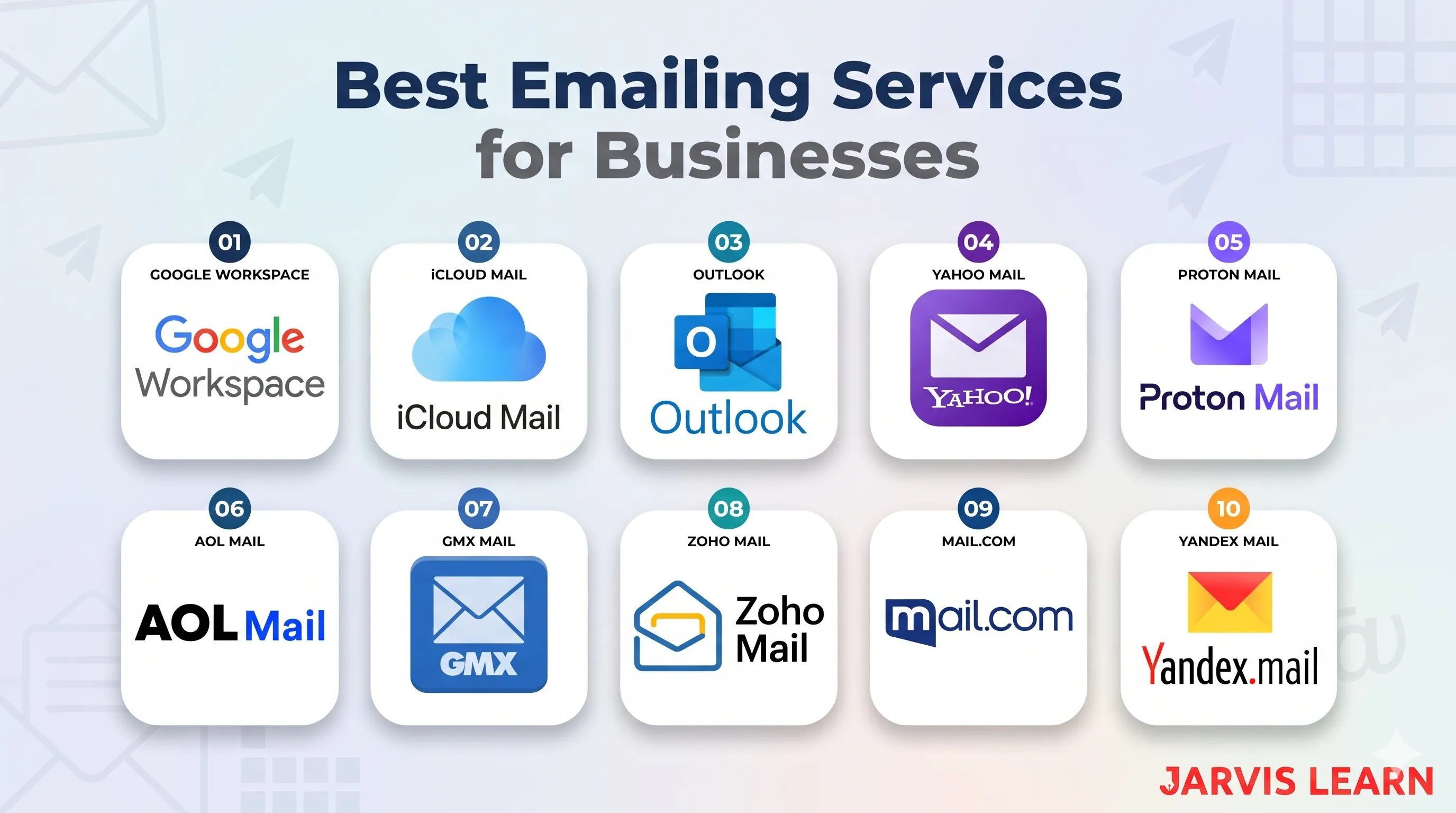
Here are the 10 best emailing services explained with their pros and cons, along with the prices. You can choose the ESP depending on your business model and preferences.
Google Workspace offers platforms like Gmail to receive and send emails. It can be used with other services in Google Workspace too, like Drive, Meet, and Calendar. It is focused on organizational communication and strong data privacy.
|
Pros |
Cons |
|
Easy-to-use interface |
Free storage is shared with Google Drive and Google Photos. |
|
Strong spam filtering and security features |
Ads will be placed in the free version |
|
A large free storage shared across Google services |
Limited customization |
|
Google Workspace integration |
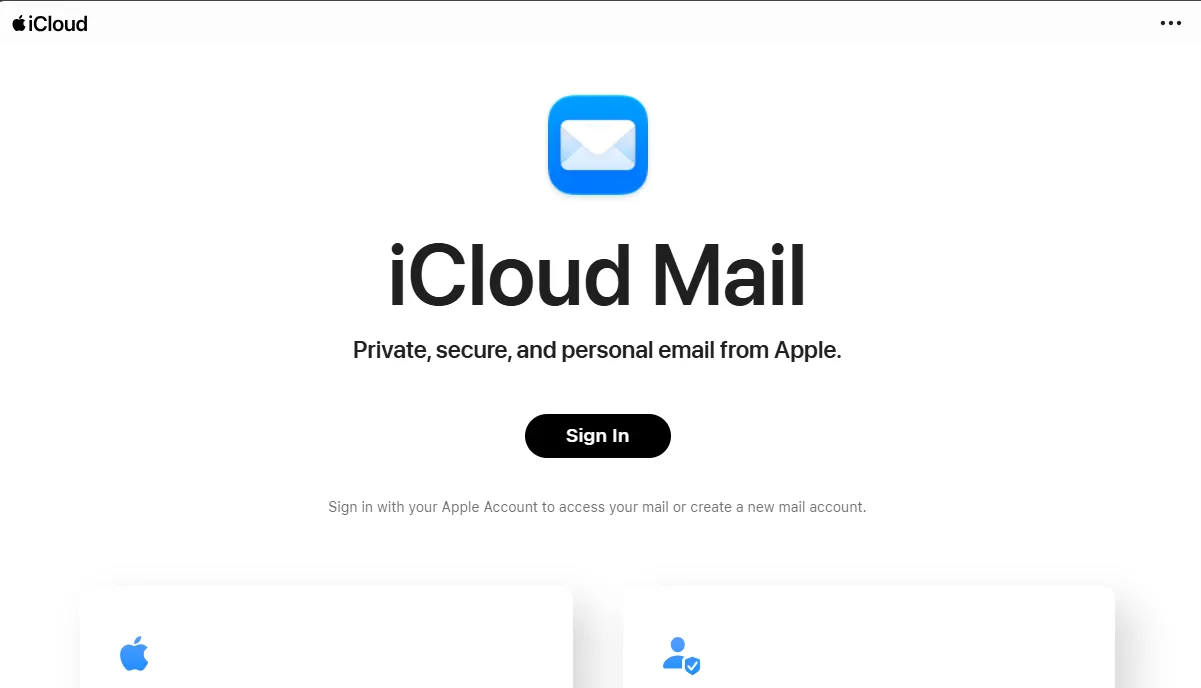
iCloud Mail is an email service that allows the user to send, receive, and organize emails. Here, the Apple ecosystem is integrated, which offers multiple features like spam filtering and higher email privacy protection.
|
Pros |
Cons |
|
Seamless integration with Apple devices |
Limited when it comes to non-Apple services |
|
Clean and simple user interface |
Only 5GB of free storage |
|
Supports custom email domains with iCloud+ |
Fewer email management features |
|
Includes spam filtering and email organization tools |
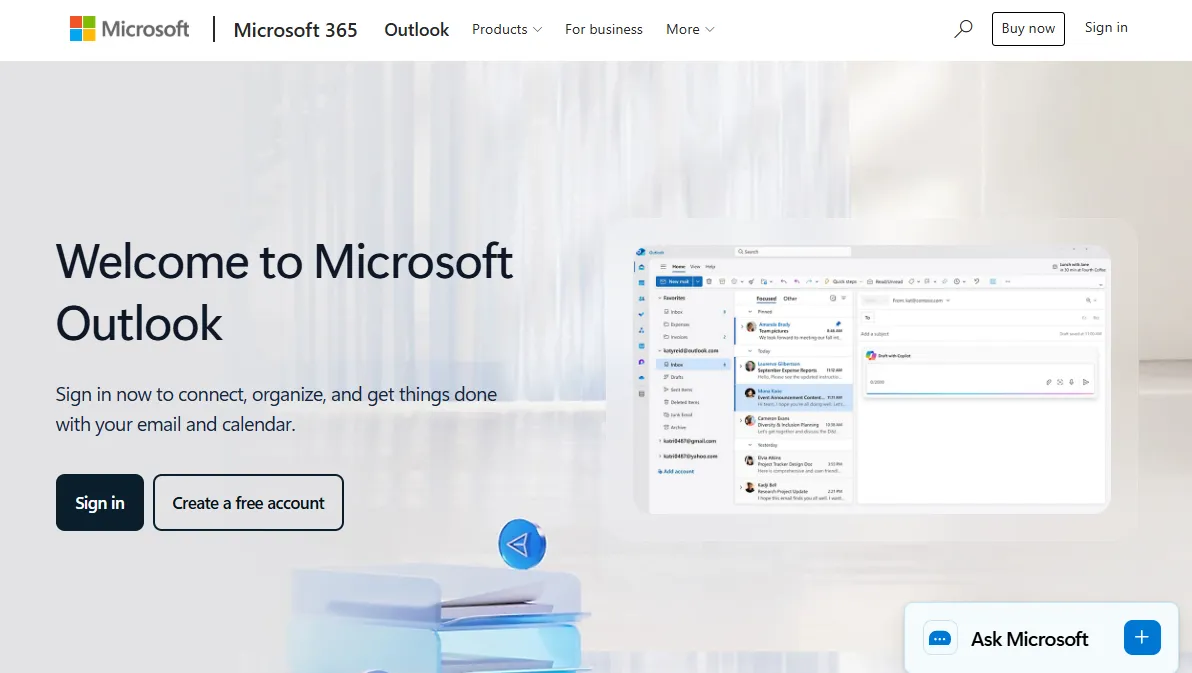
Outlook email platform by Microsoft combines email management with calendars, contacts, and organizing tasks. This email platform will integrate with the Microsoft 365 ecosystem, making Microsoft Outlook one of the efficient options for businesses to choose when it comes to their business and professional communication.
|
Pros |
Cons |
|
Microsoft 365 application integrations |
Some features need a subscription. |
|
Built-in calendar and scheduling features. |
Not beginner-friendly |
|
Advanced inbox organization and filtering. |
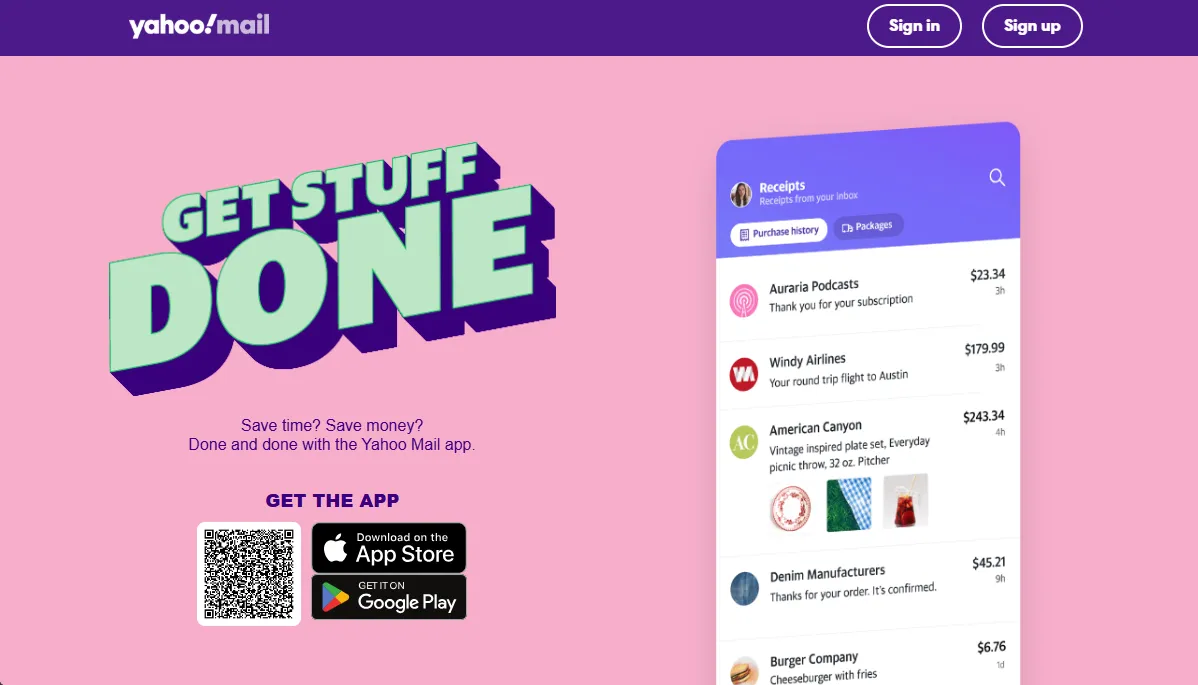
This is an email service that offers the user the ability to send, receive, and organize emails. Usually, it is utilized for business communications. It offers the user the ability to customize their inbox, filter emails into spam, detect spam, and manage attachments.
|
Pros |
Cons |
|
Customizable themes and layouts for inboxes. |
Free versions will have ads placed. |
|
Built-in spam detection and protection |
Advanced features will require a subscription. |
|
Easy email organization and filtering. |
|
|
Supports multiple email accounts. |
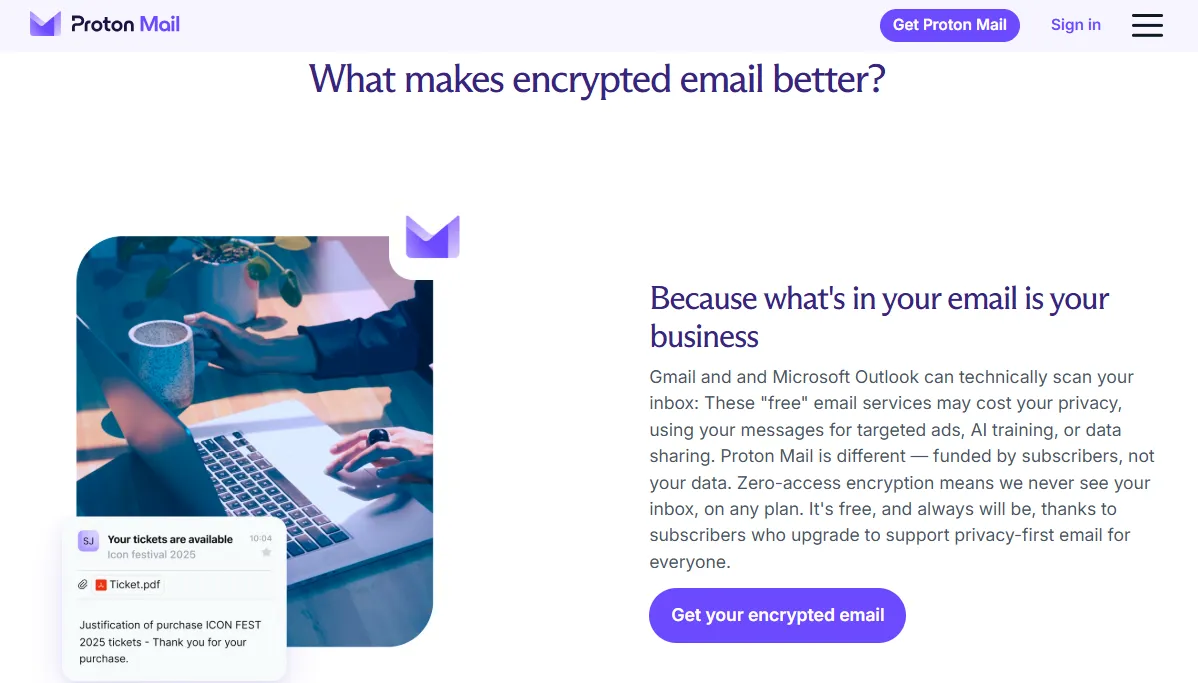
Proton Mail uses end-to-end encryption and also zero-access encryption to protect the data. This platform is used by businesses or individuals who look for a privacy-focused email service.
|
Pros |
Cons |
|
End-to-end encryption |
Limited storage for the free plan |
|
Stronger privacy and security features |
Limited features for the free plan |
|
Dedicated phishing and spam protection |
Less convenient |
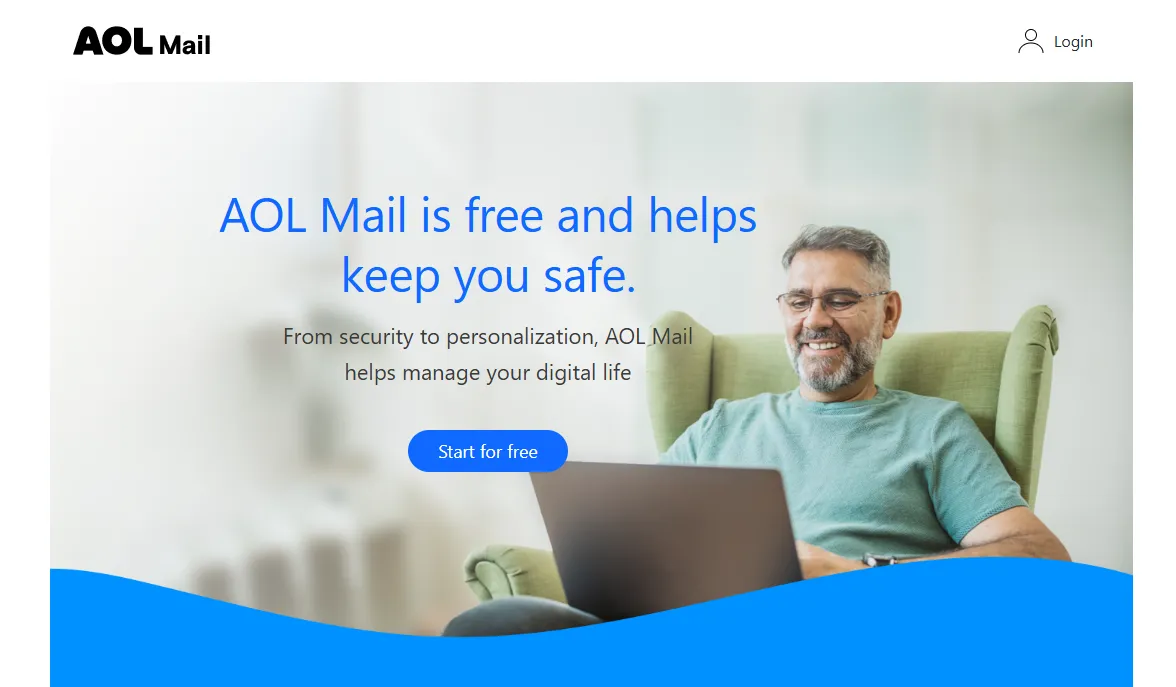
AOL Mail is a free email service that can be used by companies. It has the facility of attaching files, catching spam emails, and customizing the inbox. This mail service allows basic features for managing emails so that it can be easily used by users.
|
Pros |
Cons |
|
Customizable themes and layouts for inboxes. |
Free versions will have ads placed |
|
Built-in spam detection and protection |
Advanced features will require a subscription. |
|
Easy email organization and filtering. |
|
|
Supports multiple email accounts. |
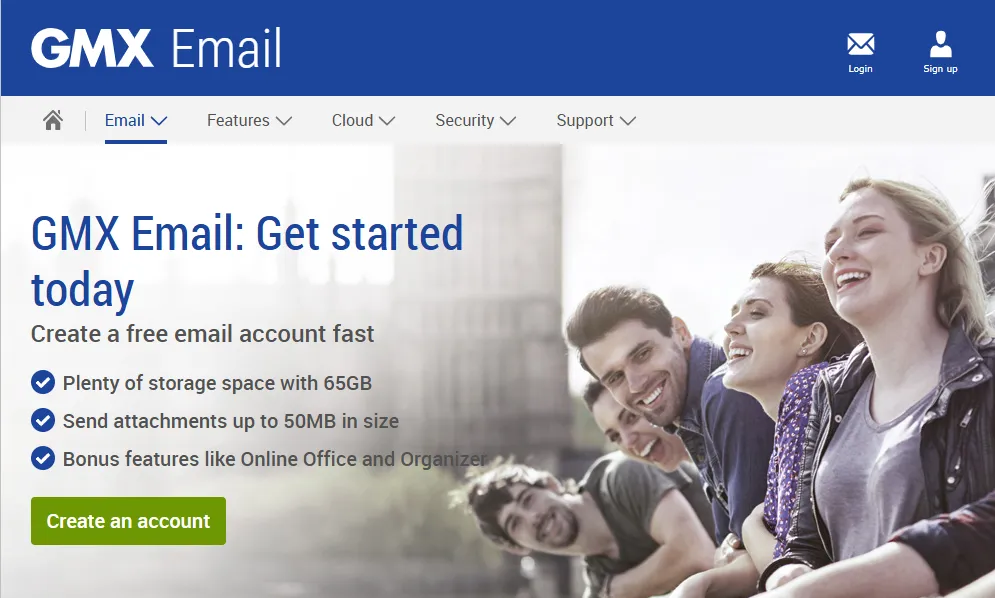
GMX is an email service that's used for managing emails and organizing them within an organization. It's known for its large-sized attachment support, spam prevention, and shared files. Users also have customizable inbox options.
|
Pros |
Cons |
|
Large free storage |
Not a user-friendly interface |
|
Supports large attachments |
Limited integrations |
|
Built-in spam and virus protection. |
|
|
Cloud storage and file-sharing features. |
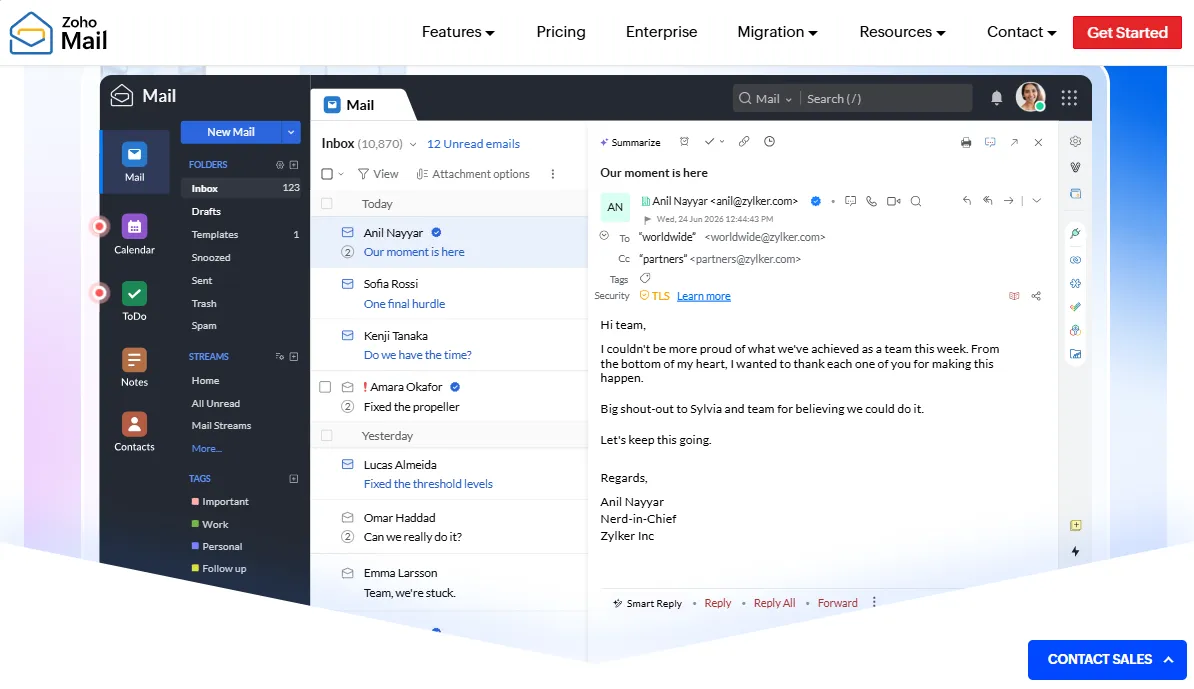
Zoho Mail is mainly used by organizations to manage professional communication. Zoho Mail provides custom business email hosting and email management features. It also provides several collaboration tools and other integrations with Zoho applications.
|
Pros |
Cons |
|
Professional custom domains |
Limited features in the free plan |
|
Ad-free email experience |
Users need time to get used to the interface |
|
Strong security and administration |
|
|
Collaborative and management features for emails |
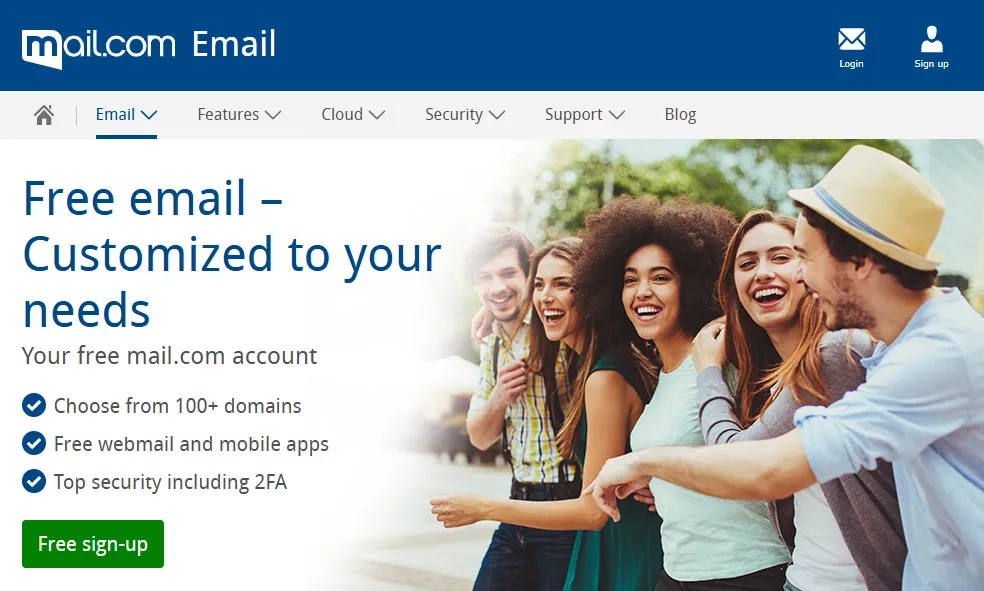
Mail.com provides standard email management features like spam detection and cloud storage; this email service allows the user to have their own personalized email addresses for their personal communication.
|
Pros |
Cons |
|
Built-in spam protection |
Ads in the free version |
|
Customizable inbox settings |
Fewer productivity integrations |
|
Contact management features |
Premium Plan ($9.99/3 month, $29.99/year, or $9.99/3 months):
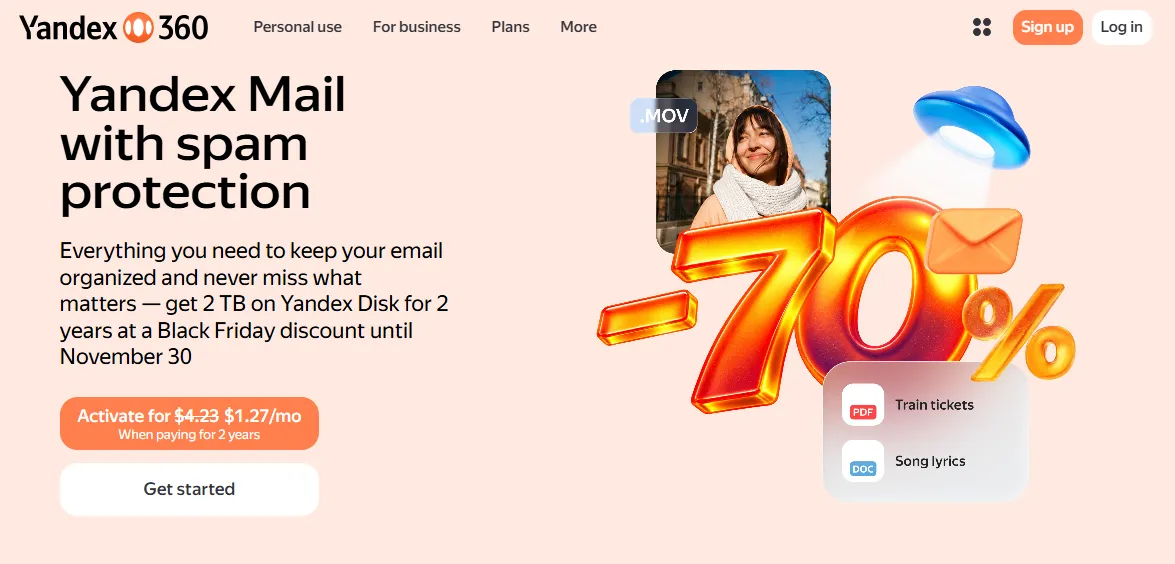
Yandex Mail is an email service platform that is developed by Yandex, which provides tools for sending and receiving emails. This platform has cloud storage integrations and email translation. Spam filtering and inbox management.
|
Pros |
Cons |
|
Built-in virus protection |
There are a few limitations based on regions |
|
Email translation features |
Privacy concerns |
|
Disk cloud storage features |
Atomic Mail is a privacy-focused emailing service that is known for its encrypted communication and its advanced privacy features. People who focus more on protecting their personal information will use Atomic Mail to maintain privacy.
Features:
Fastmail is a paid email service that is used for reliable email communication between individuals and businesses. Fastmail provides custom domain support, calendar integration, and even some advanced management of the inbox.
Features:
Choosing an emailing service is challenging, but choosing the right email service will help a lot for the business when it comes to email marketing. From budget, goals, and preferences, a lot changes from one business to another. Evaluate, try demos, and commit to one email service platform that gives efficient results for the business. Changing your goals and changing the email platforms is also something that can occur; scaling, changing the business structure, and the workflow will eventually drive the business to choose another email service that works well with the business.
An email service is a platform that allows the business or the user to send, receive, and manage emails.
A business should look for security, scalability, and easier integration with other platforms and choose a platform that has a better user interface.
Free email services are enough for small businesses and freelancers for communication purposes; for a business that has large automation and scaling, paid plans work better.
Email service cost depends on the storage, plan, and features; typically, it will be a few dollars per user.
A business should choose an email service based on its goals and objectives and the features that are compatible with the business workflow.

Fri, 20 November 2026
Thu, 19 November 2026
Tue, 17 November 2026

Thu, 12 November 2026

Tue, 10 November 2026

Fri, 06 November 2026

Thu, 05 November 2026

Wed, 04 November 2026

Tue, 03 November 2026

Mon, 02 November 2026



© 2026 JarvisLearn Inc. - All Rights Reserved.